Selling online & on the go
Share one product and manage incoming orders
The three ways to publish, each item's share link, and taking an order through to an invoice.
Transcript
Publishing to your storefront takes one of three paths.
Pick an existing item, add one new item with a photo, or publish many at once in a bulk grid.
Every published item gets its own share link — send just that one product straight to a customer.
When an order comes in, you'll get an alert — open Manage Orders to review it, tagged with its own order number.
Confirm it, and it converts straight into an invoice for you to fulfil.
More in Selling online & on the go
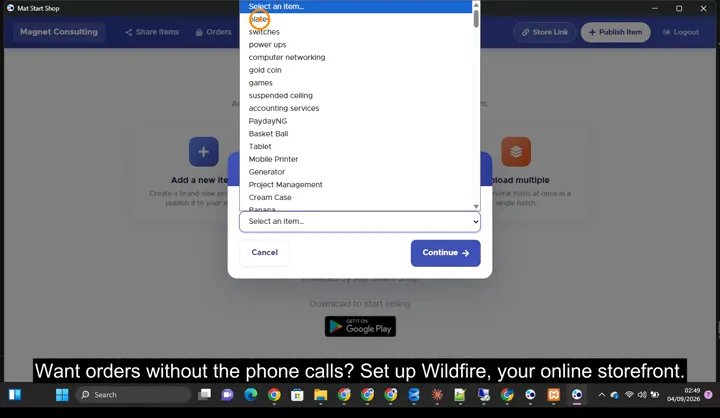 Set up your online store and publish products0:49 · Setting up Wildfire: publishing items with photos, delivery fees, online payments and sharing your store link.
 Affiliate Marketing: let others sell for you3:03 · Turning the program on, adding an affiliate and sharing their link, the join page, and approving and paying commission.
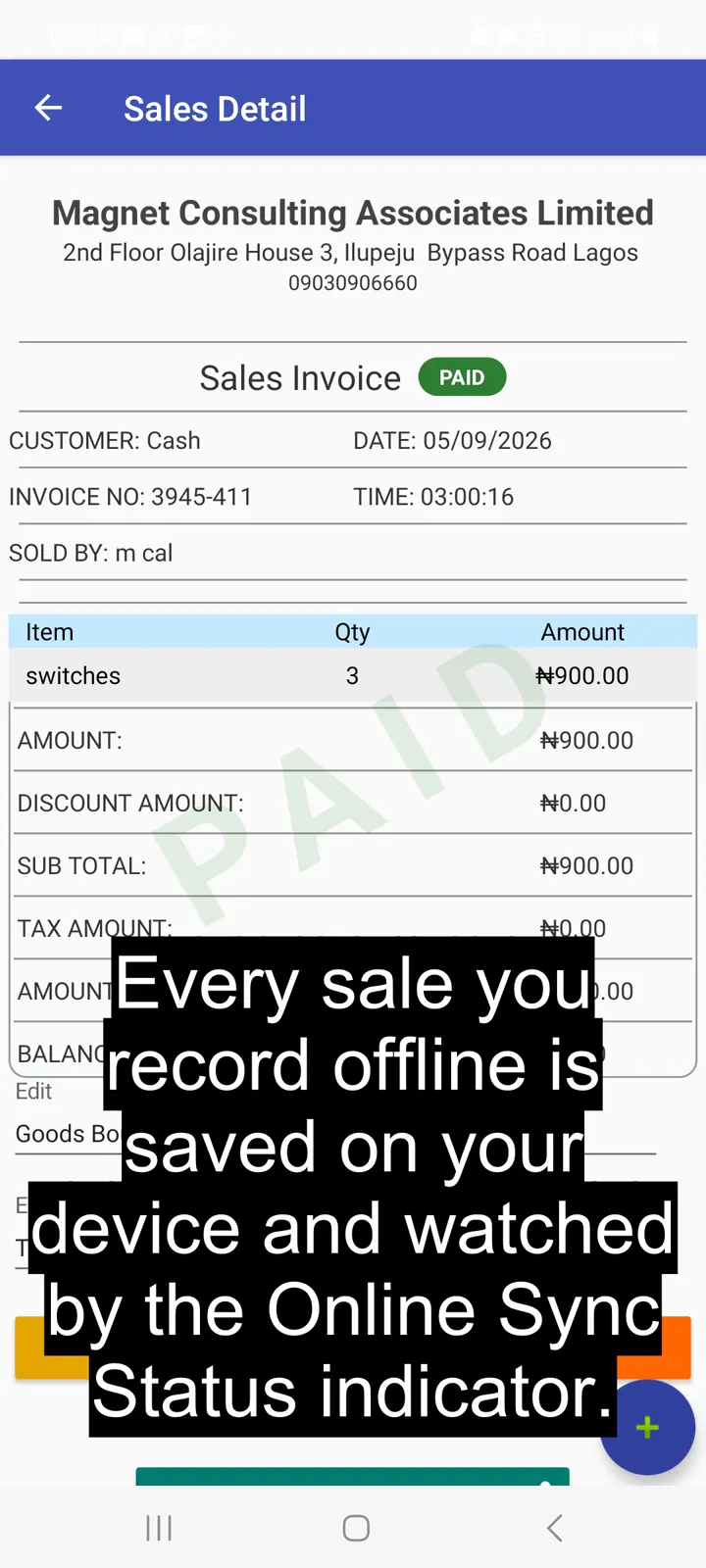 Sell fast with Quick Sell, even offline0:45 · Selling with Quick Sell while offline.
Point of sale, inventory and bookkeeping for multi-store retailers — online or offline.
SOLUTIONS
CONTACT
2nd Floor Olajire House 3, Ilupeju Bypass Road, Lagos, Nigeria.
info@matsmartshop.com
+234-903 090 6660
+234-909 294 2048 (WhatsApp)
© 2026 Magnet Consulting Associates Limited. All rights reserved.