Customer Center: payments, receipts and statements
Searching customers, reading a profile, taking a payment with a printed receipt, and generating a statement.
Transcript
Customer Center is where every customer, their balance, and their history lives. Here's the full tour — including payments, receipts and statements.
Search by name, phone or email, and every match shows as a card — settled customers in one color, anyone owing you money clearly flagged in another.
Click a card and their full profile slides in — name, phone, email, and an owing badge if there's a balance outstanding.
Four numbers tell the whole relationship at a glance: Total Purchases, Payments Made, what's still Outstanding, and their Last Transaction date.
Scroll down for the full Transaction History, and a Payment Timeline chart plotting their balance over time — useful for spotting a customer who's sliding from prompt to slow.
Receive Payment is right there on their profile — or in the top bar for any customer. Set the Date, the Payment Type the money actually came in through, and the Amount.
New Outstanding Balance updates live as you type — so you can see exactly what's left before you save anything.
Save and Print Receipt does both in one click — the payment is recorded, and a receipt pops up you can export as PDF, share straight to WhatsApp, or print on the spot.
For a fuller picture, Customer Statement builds a proper account document — set a From and To date, click Generate, and every invoice and payment in that window lists out with a running balance.
That statement prints, exports as PDF, or shares on WhatsApp too — the same document whether it's for your own records or the customer's.
Everyone, their balance, their history, and how to collect and prove it — all from Customer Center.
More in Sales & customers
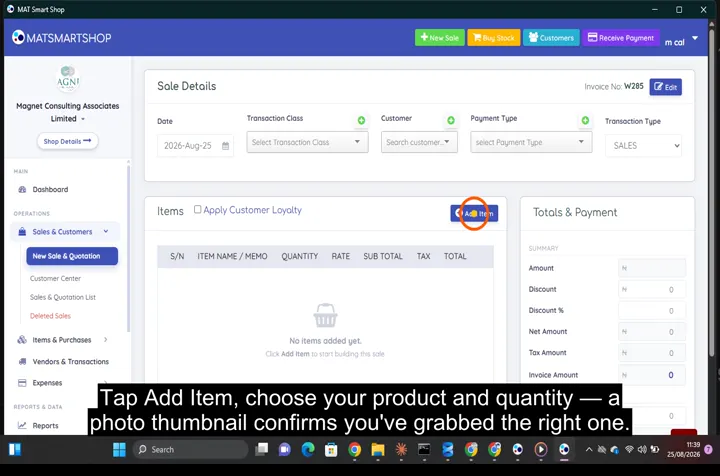 Ring up a sale and issue an invoice
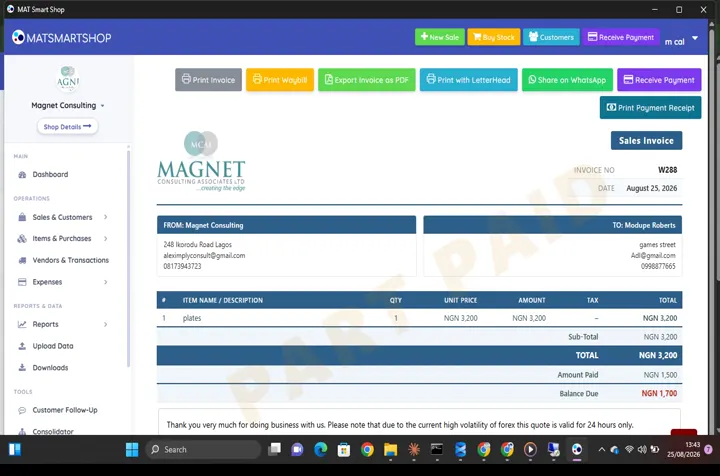 Receive a payment and show a customer what they owe
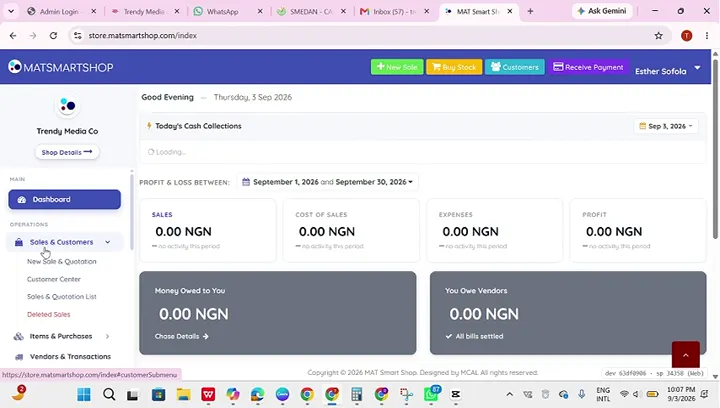 Add your first products and customers
Point of sale, inventory and bookkeeping for multi-store retailers — online or offline.