Sales & customers
Ring up a sale and issue an invoice
Ringing up a sale end to end.
Transcript
Making a sale takes seconds. Let's ring one up.
Tap Add Item, choose your product and quantity — a photo thumbnail confirms you've grabbed the right one.
Pick the customer and payment type — your totals stay pinned, so you always see what's owed.
Tap Save and Generate Invoice — or Sell on the app — and your receipt is ready instantly.
Print it on your till printer, or send it straight to your customer by WhatsApp or email.
More in Sales & customers
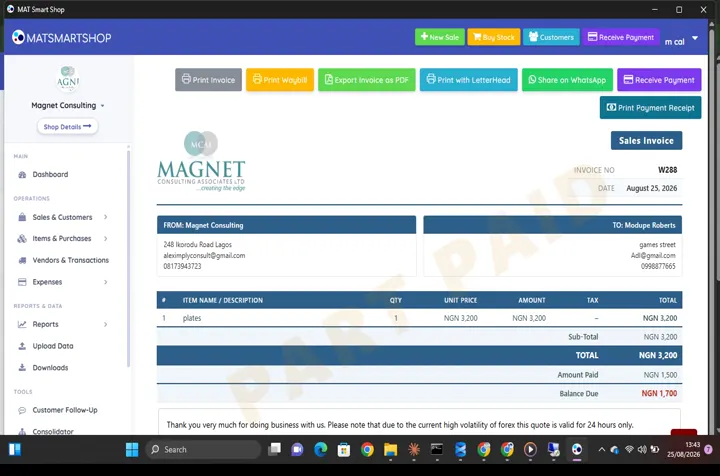 Receive a payment and show a customer what they owe0:34 · Recording a payment against an invoice and reading the customer's balance.
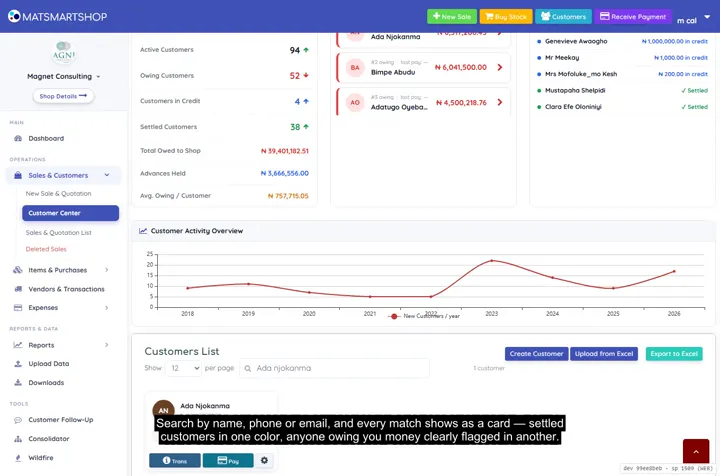 Customer Center: payments, receipts and statements2:08 · Searching customers, reading a profile, taking a payment with a printed receipt, and generating a statement.
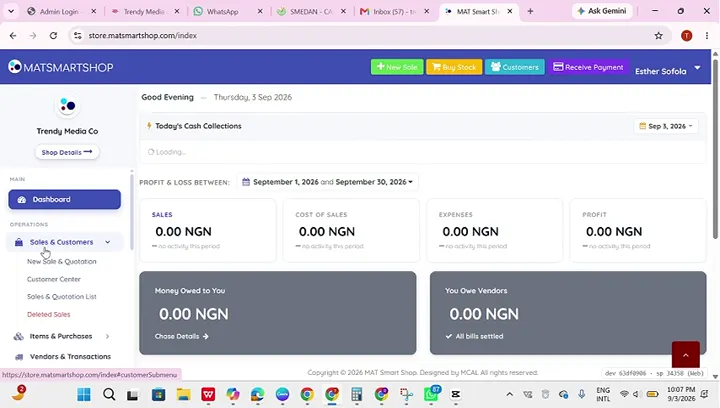 Add your first products and customersCreating a customer from scratch.
Point of sale, inventory and bookkeeping for multi-store retailers — online or offline.
SOLUTIONS
CONTACT
2nd Floor Olajire House 3, Ilupeju Bypass Road, Lagos, Nigeria.
info@matsmartshop.com
+234-903 090 6660
+234-909 294 2048 (WhatsApp)
© 2026 Magnet Consulting Associates Limited. All rights reserved.