Create your store, sign in, and pick a till
Registering, the sales-point picker on login, and working across more than one store.
Transcript
Creating your store and signing in takes about a minute. Here's the whole flow.
Go to store.matsmartshop.com and click Create a Store. Enter your store name, address, and business email, then Next Step.
Fill in your name, an optional phone number, and your country — currency fills in automatically. Set a password and submit.
We send you a verification email the moment your shop is created — open it and click Verify Email Address.
Verify, and you land straight in the app. Come back anytime at store.matsmartshop.com/login.
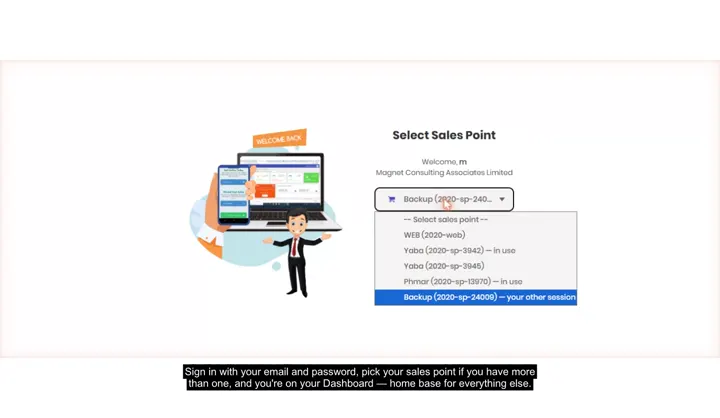
If you're signing in on the web, you'll pick a till — one you already hold is marked Yours, and Web is always free to use.
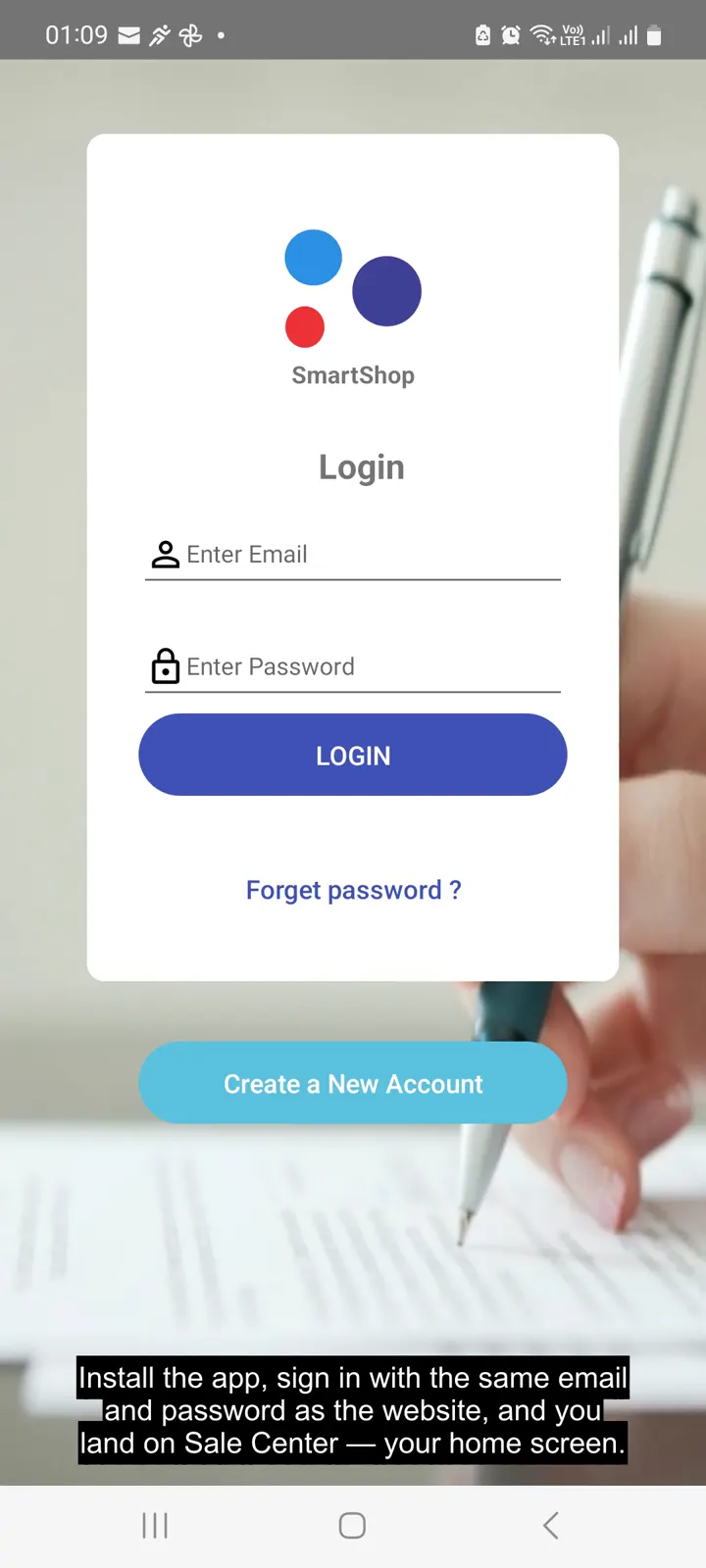
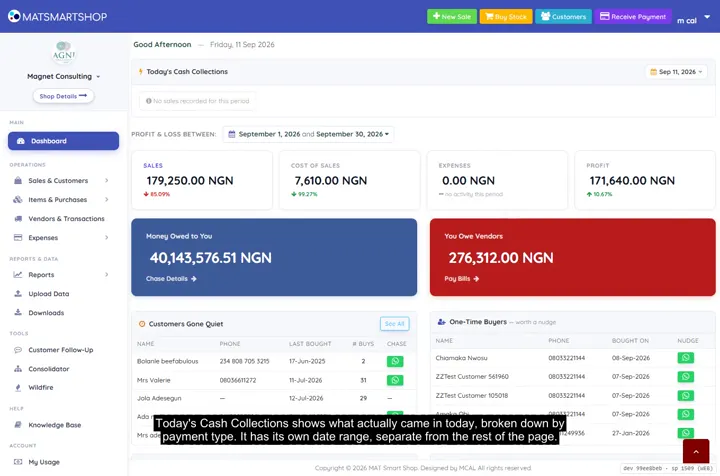
And that's your Dashboard — home base for everything else. The same account works on Android too, and a store switcher appears if you run more than one.
More in Getting started
 Your first week on the web app2:03 · From your verification email to your first sale, first storefront item and first follow-up.
 Your first week on the Android app3:38 · The same first-week walkthrough, run entirely from your phone.
 Tour your Dashboard2:09 · Every panel on the main Dashboard — cash collected, profit, who owes you and who you owe.
Point of sale, inventory and bookkeeping for multi-store retailers — online or offline.