Your first week on the web app
From your verification email to your first sale, first storefront item and first follow-up.
Transcript
Welcome to MAT Smart Shop. Here's your first week on the web app, start to finish, in about two minutes.
The moment your shop is created, we send you a verification email. Open it, and click Verify Email Address.
Sign in with your email and password, pick your sales point if you have more than one, and you're on your Dashboard — home base for everything else.
There's no separate Add Customer screen — the fastest way in is the plus beside the Customer field, right when you make a sale.
Vendors get their own screen too. Vendors and Transactions, Create Vendor, then record your first purchase from them right after.
Adding your first item is one form — name, cost, selling price, opening stock, and a photo if you've got one.
Now the real thing — add the item, take the payment, and click Save and Generate Invoice. That's your first transaction, recorded.
Your invoice is ready instantly, with a clear paid or part-paid stamp — share it straight to WhatsApp.
Your storefront is a separate tool called Wildfire. Publish Item, pick the one you already created, set a category, and save.
Head to Share Items, pick your new product, choose a customer, and hand it off to WhatsApp with one click.
Last stop: Customer Follow-Up. Set who qualifies, check the preview and the cost, and send your first reminder.
That's your whole first week. Everything here goes deeper in the full manuals — welcome aboard.
More in Getting started
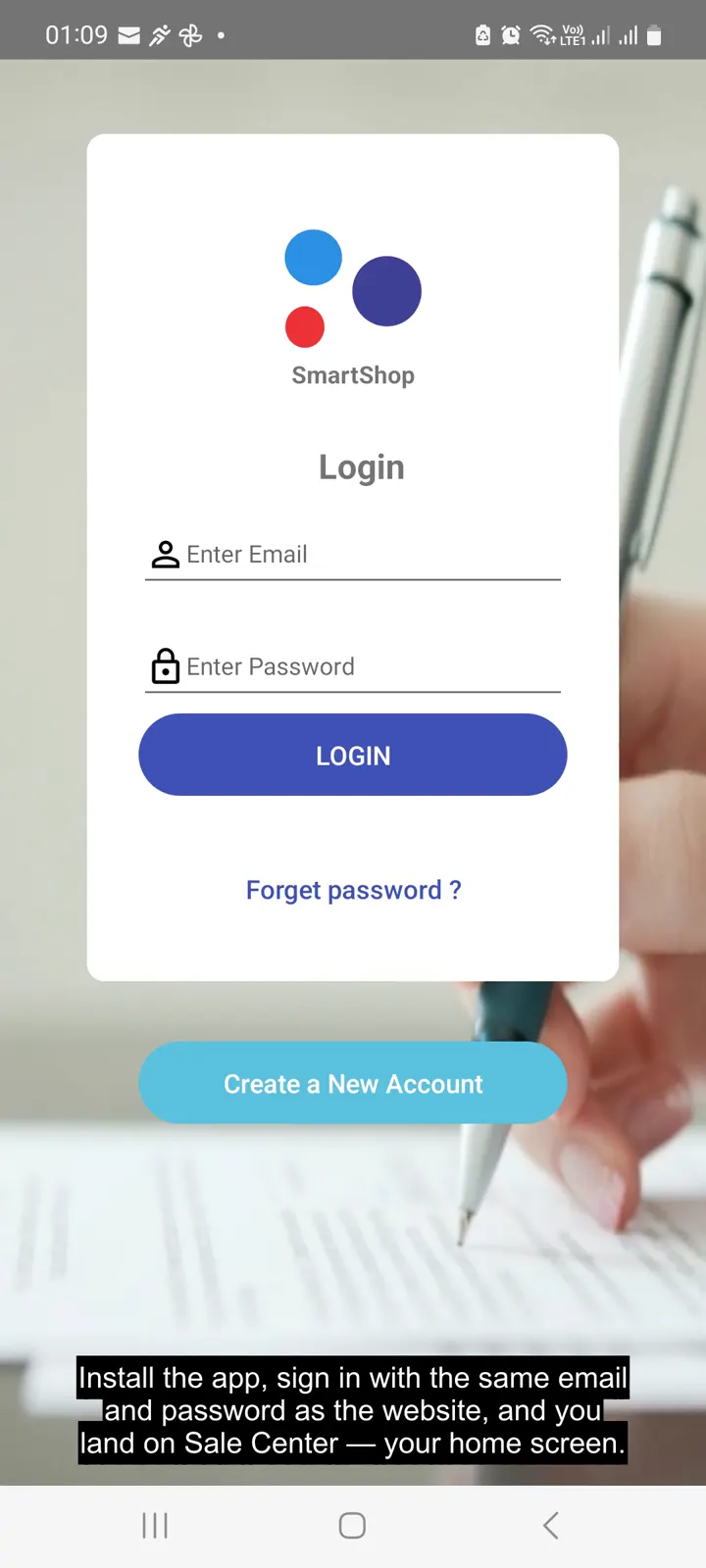 Your first week on the Android app3:38 · The same first-week walkthrough, run entirely from your phone.
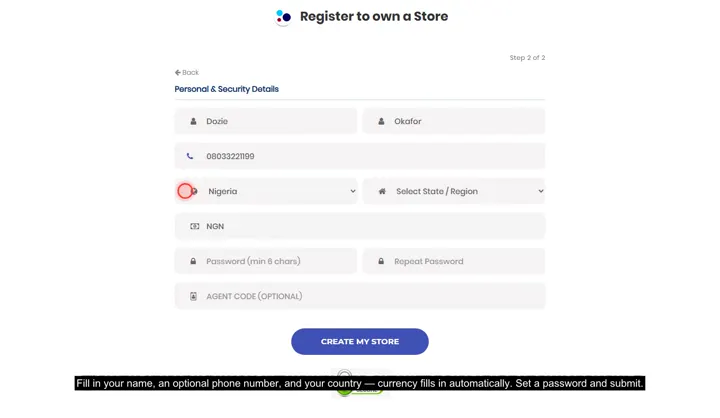 Create your store, sign in, and pick a tillRegistering, the sales-point picker on login, and working across more than one store.
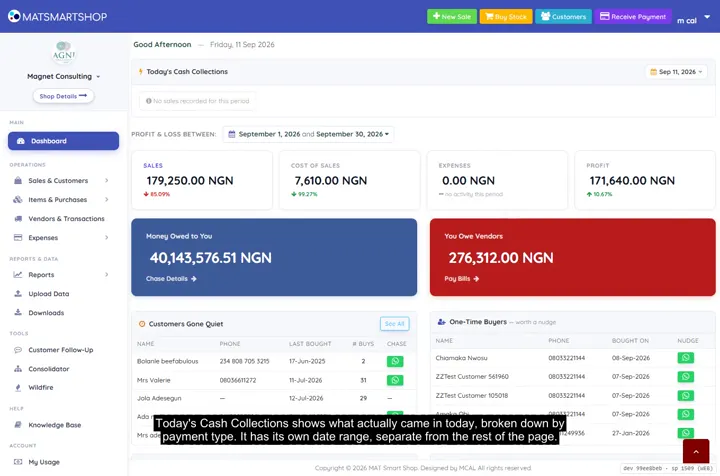 Tour your Dashboard2:09 · Every panel on the main Dashboard — cash collected, profit, who owes you and who you owe.
Point of sale, inventory and bookkeeping for multi-store retailers — online or offline.