Your first week on the Android app
The same first-week walkthrough, run entirely from your phone.
Transcript
Welcome to MAT Smart Shop. Here's your first week, run from your phone, in about two minutes.
Your verification email arrives the moment your shop is created — open it and tap Verify Email Address.
Install the app, sign in with the same email and password as the website, and you land on Sale Center — your home screen.
Start a Quick Sell and tap the customer row — New Customer sits right there, next to Cash Walk-in.
Vendors are a web-only idea — the phone just logs the delivery itself: pick the item, tap Restock, Add Purchase, and save.
Adding your first item is Inventory List, Add Items — name, cost, selling price, and how much you're carrying today.
Quick Sell is the fastest way to ring one up — type it the way you'd say it, tap Collect, and save.
Paid, watermarked, balance zero — your first transaction is done.
Publishing your item lives on the web — tap Wildfire in the menu to open your storefront back office.
Open Customer Follow-Up from the menu — same tool as the website, filters, tokens, a live preview, and the cost stated before you send.
That's your whole first week, from your pocket. Everything here goes deeper in the full manuals — welcome aboard.
More in Getting started
 Your first week on the web app2:03 · From your verification email to your first sale, first storefront item and first follow-up.
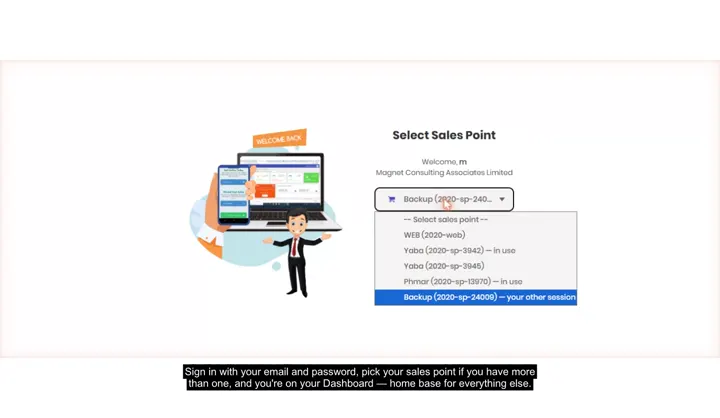
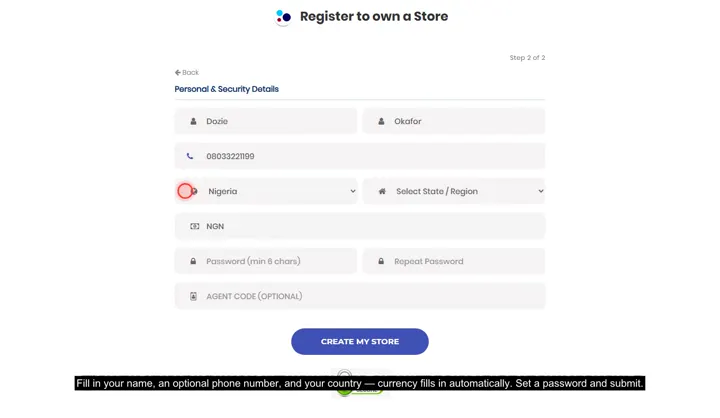 Create your store, sign in, and pick a tillRegistering, the sales-point picker on login, and working across more than one store.
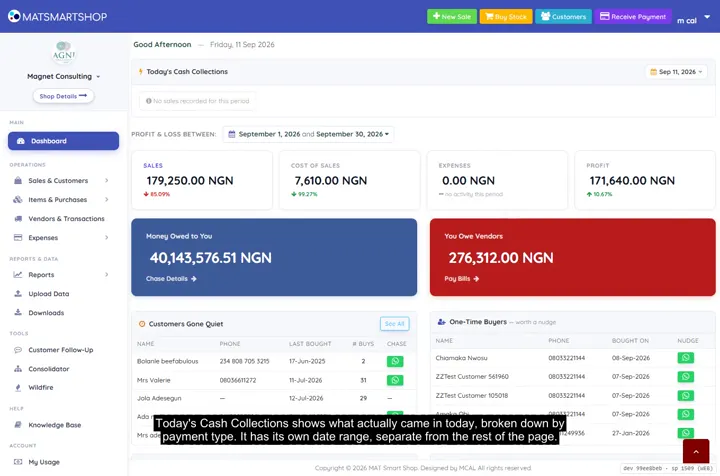 Tour your Dashboard2:09 · Every panel on the main Dashboard — cash collected, profit, who owes you and who you owe.
Point of sale, inventory and bookkeeping for multi-store retailers — online or offline.